> ## Documentation Index
> Fetch the complete documentation index at: https://docs.tess.im/llms.txt
> Use this file to discover all available pages before exploring further.
# AI Step | Meta Ads
The Meta Ads step allows your agents to analyze performance, identify wasted budget, and automatically redistribute investment across Facebook and Instagram campaigns. With this, Tess acts as a data-driven paid media optimizer.
### **What is the Step?**
The integration with Meta Ads provides 6 actions, divided into:
### Actions (execution)
* Change Campaign Daily Budget → changes the daily budget
* Change Campaign Status → enables or pauses campaigns
* Budget Shift Campaigns → automatically redistributes budget
### Analysis (insights)
* Creative Image Analysis → analyzes creatives (images)
* Identify Overactive Ads → identifies ad fatigue
* Metrics Trend Report → analyzes performance trends
## **How to use (Fields per action)**
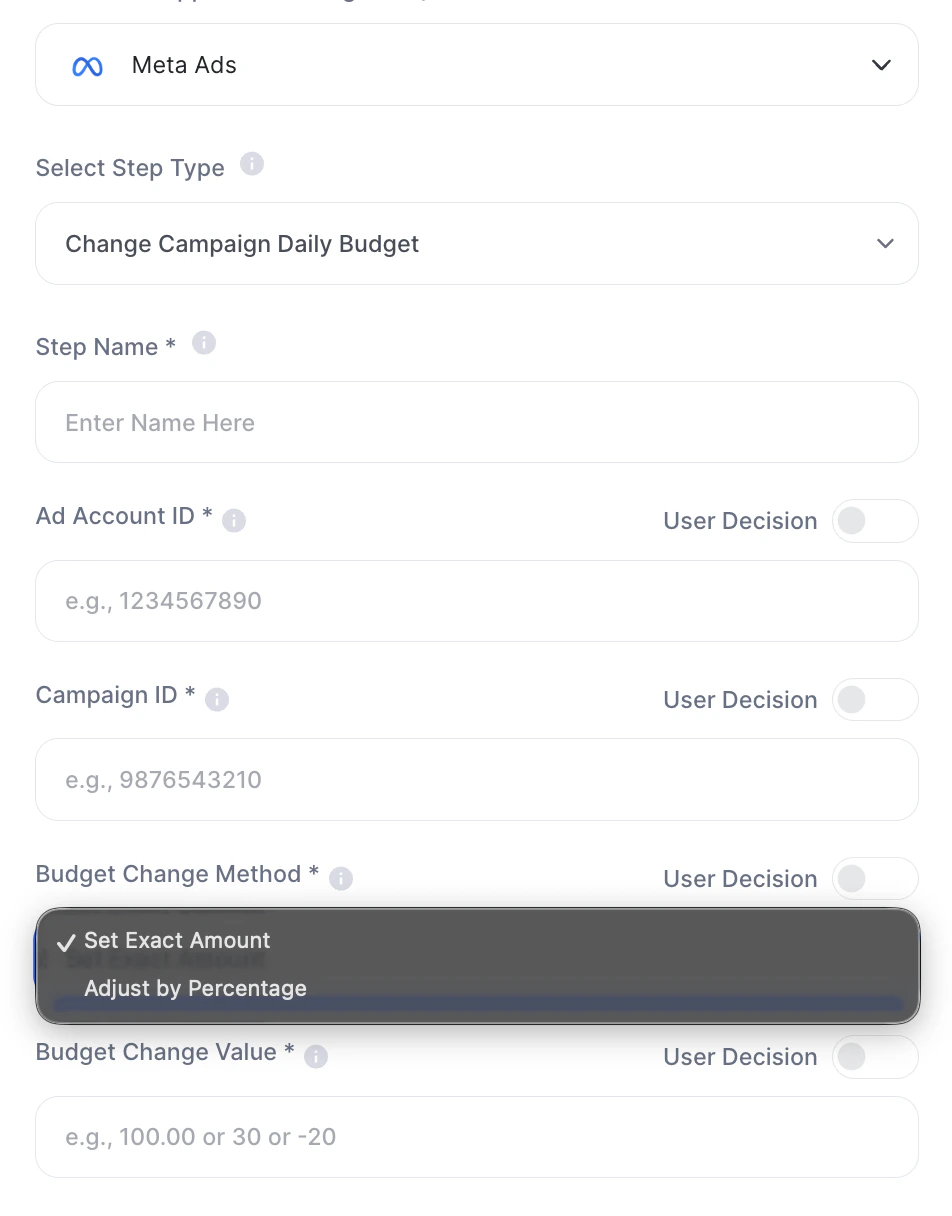
### 1. Change Campaign Daily Budget
| Field | Description |
| :---------------------- | :--------------------------------------------------- |
| Step Name | Internal step name |
| Ad Account ID \* | Meta ads account ID |
| Campaign ID \* | Campaign ID to be changed |
| Budget Change Method \* | Method: `Set Exact Amount` or `Adjust by Percentage` |
| Budget Change Value \* | Change value (e.g.: `100.00`, `30`, `-20`) |
 ***
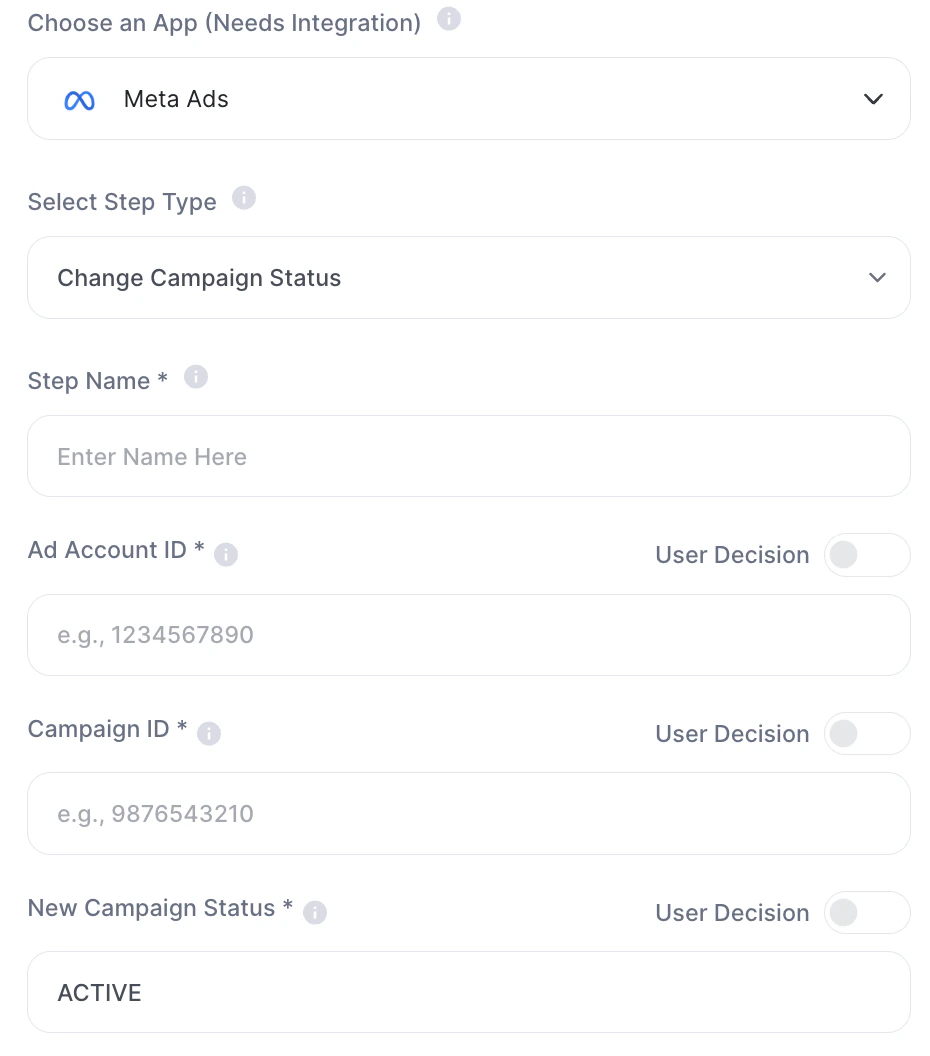
### 2. Change Campaign Status
| Field | Description |
| :--------------------- | :------------------------------ |
| Step Name | Internal step name |
| Ad Account ID \* | Ads account ID |
| Campaign ID \* | Campaign ID |
| New Campaign Status \* | New status (`ACTIVE`, `PAUSED`) |
***
### 2. Change Campaign Status
| Field | Description |
| :--------------------- | :------------------------------ |
| Step Name | Internal step name |
| Ad Account ID \* | Ads account ID |
| Campaign ID \* | Campaign ID |
| New Campaign Status \* | New status (`ACTIVE`, `PAUSED`) |
 ***
### 3. Budget Shift Campaigns
| Field | Description |
| :--------------------------- | :---------------------------------------------------- |
| Step Name | Internal step name |
| Meta Ads Account ID \* | Ads account ID |
| Analysis Period (Days) \* | Analysis period (e.g.: `30`) |
| Has New Budget Allocation \* | Defines if there will be a new budget (`Yes` or `No`) |
| New Budget | New total value (e.g.: `2500.00`) |
| Percent Adjust | Percentage adjustment (e.g.: `20` or `20%`) |
| Excluded Campaigns ID | Excluded campaign IDs |
| Excluded Adsets ID | Excluded ad set IDs |
***
### 4. Creative Image Analysis
| Field | Description |
| :------------------------ | :----------------- |
| Step Name | Internal step name |
| Meta Ads Account ID \* | Ads account ID |
| Analysis Period (Days) \* | Period analyzed |
***
### 3. Budget Shift Campaigns
| Field | Description |
| :--------------------------- | :---------------------------------------------------- |
| Step Name | Internal step name |
| Meta Ads Account ID \* | Ads account ID |
| Analysis Period (Days) \* | Analysis period (e.g.: `30`) |
| Has New Budget Allocation \* | Defines if there will be a new budget (`Yes` or `No`) |
| New Budget | New total value (e.g.: `2500.00`) |
| Percent Adjust | Percentage adjustment (e.g.: `20` or `20%`) |
| Excluded Campaigns ID | Excluded campaign IDs |
| Excluded Adsets ID | Excluded ad set IDs |
***
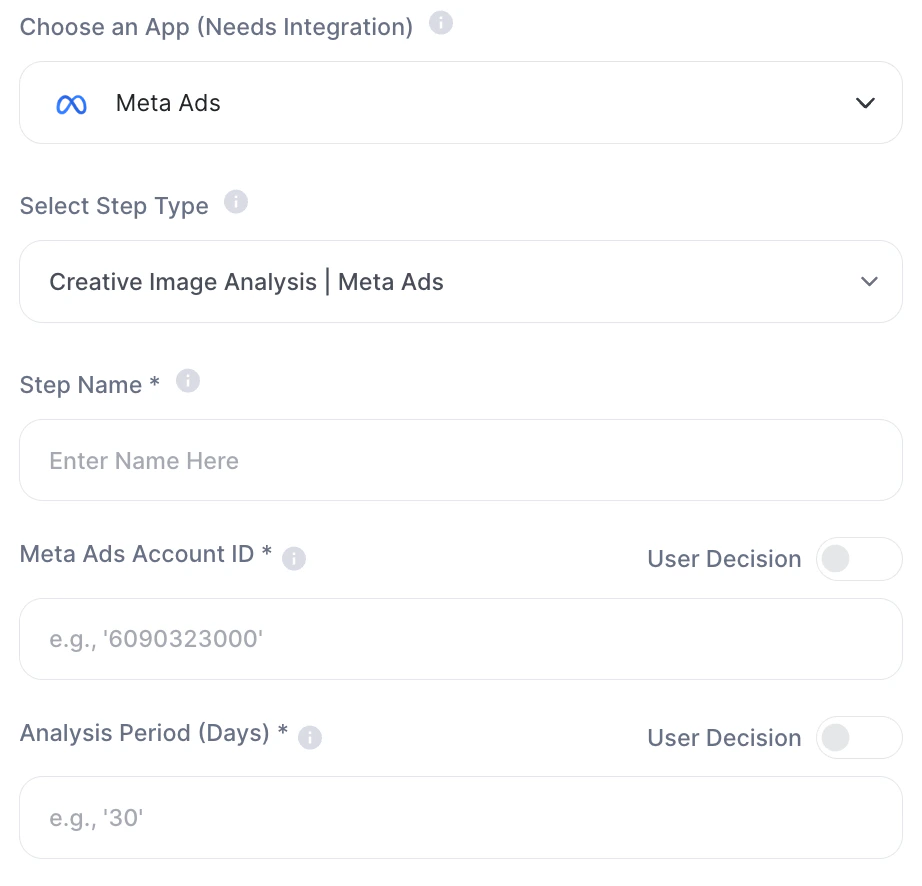
### 4. Creative Image Analysis
| Field | Description |
| :------------------------ | :----------------- |
| Step Name | Internal step name |
| Meta Ads Account ID \* | Ads account ID |
| Analysis Period (Days) \* | Period analyzed |
 ***
### **5. Identify Overactive Ads**
| Field | Description |
| :-------------- | :------------------------------------- |
| Step Name | Internal step name |
| Account ID \* | Account ID |
| Limit (Days) \* | Days limit to consider it "overactive" |
***
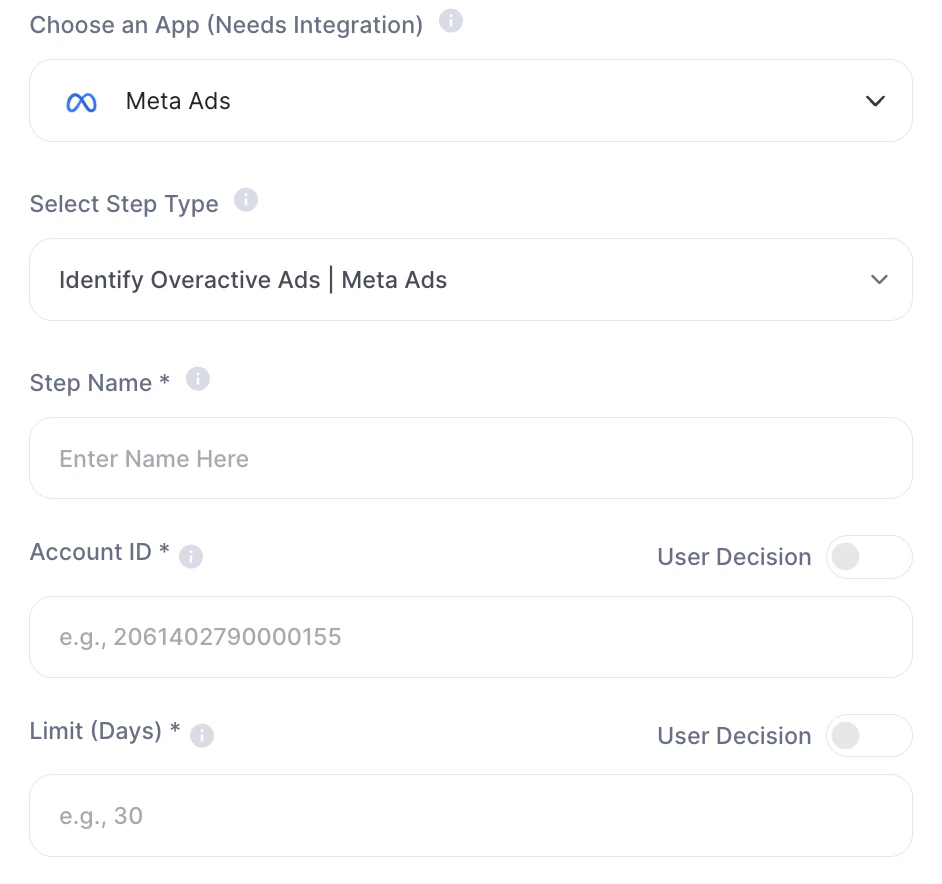
### **5. Identify Overactive Ads**
| Field | Description |
| :-------------- | :------------------------------------- |
| Step Name | Internal step name |
| Account ID \* | Account ID |
| Limit (Days) \* | Days limit to consider it "overactive" |
 ***
### 6. Metrics Trend Report
| Field | Description |
| :--------------------------------- | :--------------------------------------- |
| Step Name | Internal step name |
| Meta Ads Account ID \* | Account ID |
| Analysis Period (Days) \* | Period analyzed |
| Report Segment \* | Segment (e.g.: `campaigns`, `adsets`) |
| Key Performance Indicator (KPI) \* | Main metric (e.g.: `cpa`, `cpr`, `roas`) |
***
## Practical examples
* Automatically reduce budget on low-performing campaigns
* Identify saturated creatives
* Redistribute budget across campaigns
* Generate automatic performance reports
Best practices
* Always validate IDs
* Use consistent periods (e.g., 30 days)
* Define clear KPIs
* Be careful with budget automations
## Important notes
* Meta Ads integration is required
* Actions impact real campaigns
* There is no confirmation prior to execution
Meta Ads transforms Tess into a complete paid media operator, capable of analyzing, detecting issues, and executing optimizations automatically.
***
### 6. Metrics Trend Report
| Field | Description |
| :--------------------------------- | :--------------------------------------- |
| Step Name | Internal step name |
| Meta Ads Account ID \* | Account ID |
| Analysis Period (Days) \* | Period analyzed |
| Report Segment \* | Segment (e.g.: `campaigns`, `adsets`) |
| Key Performance Indicator (KPI) \* | Main metric (e.g.: `cpa`, `cpr`, `roas`) |
***
## Practical examples
* Automatically reduce budget on low-performing campaigns
* Identify saturated creatives
* Redistribute budget across campaigns
* Generate automatic performance reports
Best practices
* Always validate IDs
* Use consistent periods (e.g., 30 days)
* Define clear KPIs
* Be careful with budget automations
## Important notes
* Meta Ads integration is required
* Actions impact real campaigns
* There is no confirmation prior to execution
Meta Ads transforms Tess into a complete paid media operator, capable of analyzing, detecting issues, and executing optimizations automatically.