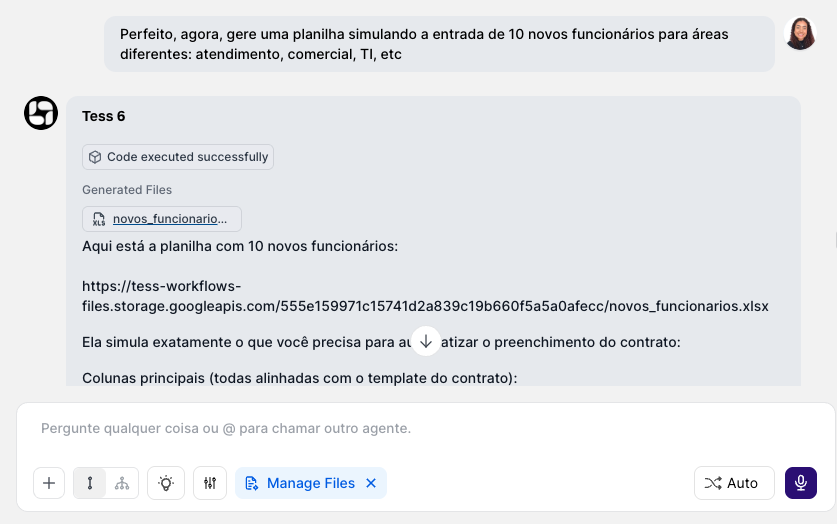
What Manage Files is
Manage Files is a tool that allows the AI to:- read and generate documents
- apply requested changes
- save a new version of the file, preserving formatting and layout as much as possible
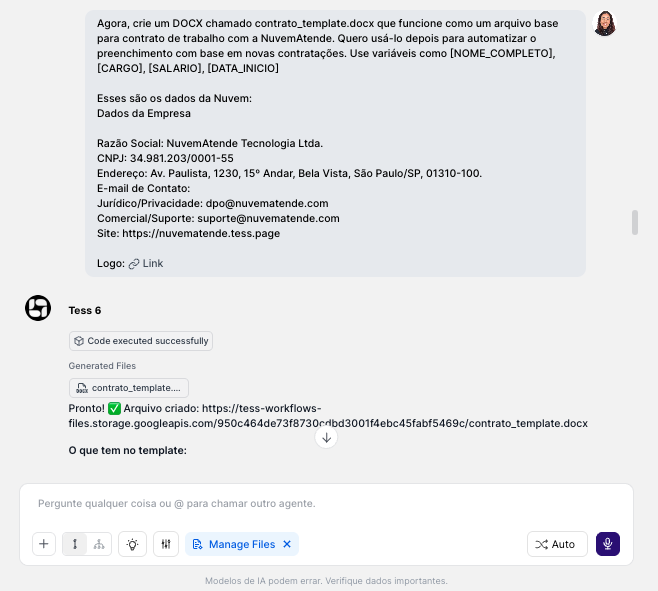
File formatIf you want to use a file as a base, remember to use an editable version, meaning: DOCX, PPTX. After all, a PDF can’t be edited, only the existing content can be consumed.
- “Translate all the text in this presentation to Spanish, keeping the original formatting.”
- “Replace the old logo with the new one on all slides.”
- “Standardize all titles to Arial font, size 24, bold.”
- “Find all occurrences of ‘Company A’ and replace with ‘Company B’.”
- “Add a header with ‘Confidential Report – Draft’ on all pages.”
- “Create a new column called ‘Status’ and fill all rows with ‘To Process’.”
Manage Files vs. Deep Analysis (essential difference)
Manage Files
- Objective: analyze shared documents, modify them based on them, or even generate a new file from scratch, only with the prompt command in the chat.
- Result: a new file made available for download within the chat itself.
Deep Analysis
- Objective: analyze/calculate/understand data with precision (especially spreadsheets/CSVs).
- Result: an analysis in text, tables, and/or charts (not necessarily a final edited file, but it can also generate a new file).
How to use it (step by step)
- In chat, click the Tools button (icon next to the message box)
- Select “Manage Files”
- Attach the file you want to edit
- Give the instruction clearly and directly
- Wait for processing and download the new version of the file