
What is it?
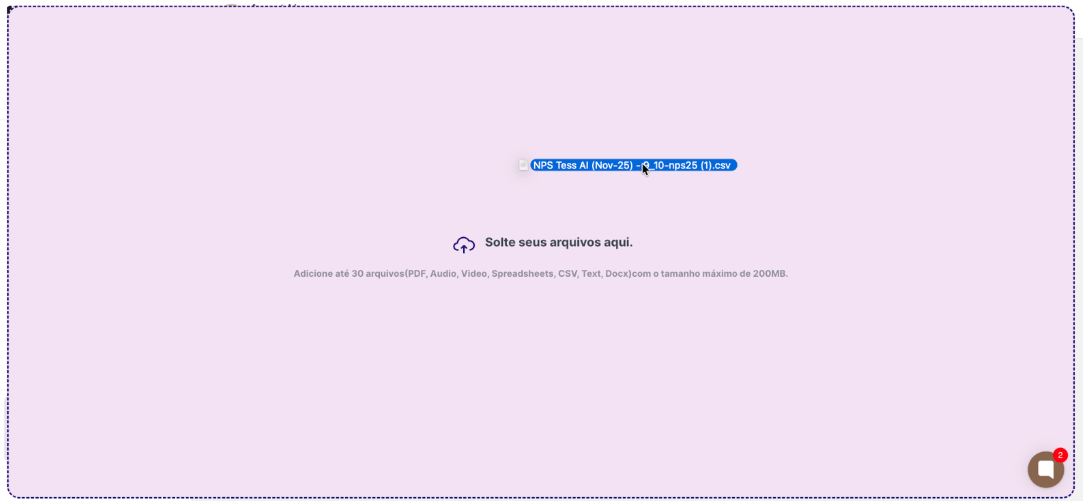
The agent’s Knowledge Base is the set of documents, files, and texts that Tess adds to the systematic memory (system prompt) of that specific agent, being applied and considered in every execution of the agent. You can add up to 30 items per agent, such as: articles, PDFs and manuals, internal policies, tutorials, playbooks, and spreadsheets. With file sizes up to 200MB each. These contents are used by the agent to help analyze questions and generate responses, together with the prompt and other settings.Why is it important?
Consistency
The agent always responds in line with the official documentation. This means less “guesswork”, which reduces hallucinations and out-of-context responses. It is also essential for the agent to draw inspiration from existing templates when generating its output.
Personalization
Each agent can have a different base added (Support, Finance, Onboarding, etc.), reflecting the content of its training. It is also simple to update — just replace a file or text in the Knowledge Base and the agent is updated.
How does it work in practice?
When the user asks a question, the agent:- Analyzes the question.
- Searches the agent’s Knowledge Base for relevant excerpts.
- Uses those excerpts as context to generate the response.
- If the question is not related to what is in the base, the agent can follow the general prompt or the policies you defined.