

Models available in Tess
To enable it, just find the Avatar option in the tools button. There you’ll find models like HeyGen, Omni Human, and Wan. Each option tends to have different configuration and performance (avatar style, realism, expressiveness, lip sync quality, language/voice options, etc.).Heygen
It is focused on creating avatar videos mainly for commercial use.Strengths: Very easy and fast: interface, templates, teleprompter, subtitles, translations/dubbing, ready-made flows. Consistent quality for “presenter talking to the camera”.Typical limitations: Less “creative freedom” in the model, since you operate within what the platform offers. Less flexible for complex scenes (full body in motion, interaction with the environment, long acting).You stay “inside the editor” and the platform’s options (less low-level control).
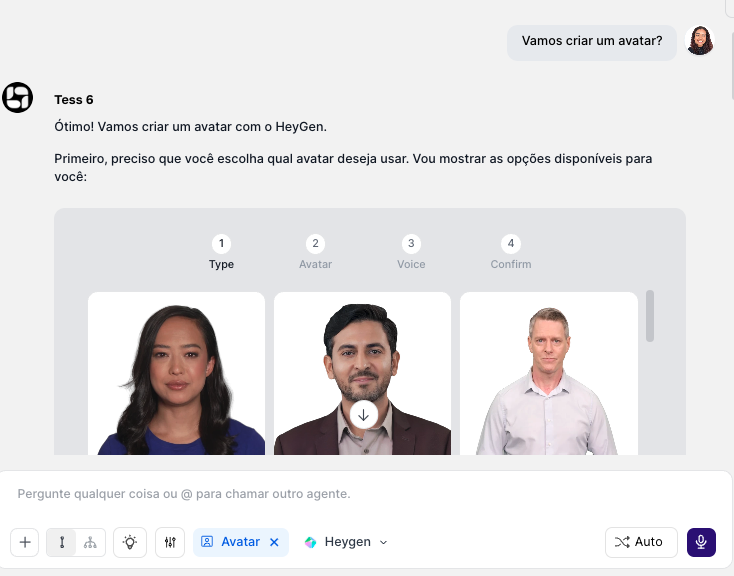
When it makes the most sense: marketing videos, onboarding, tutorials, internal updates, etc.
Omni Human
Its focus is movement/expression quality and generalization to different identities/poses
- It can accept: audio + reference image/video → animation/lipsync
- Or text/conditions + reference → generated/animated human
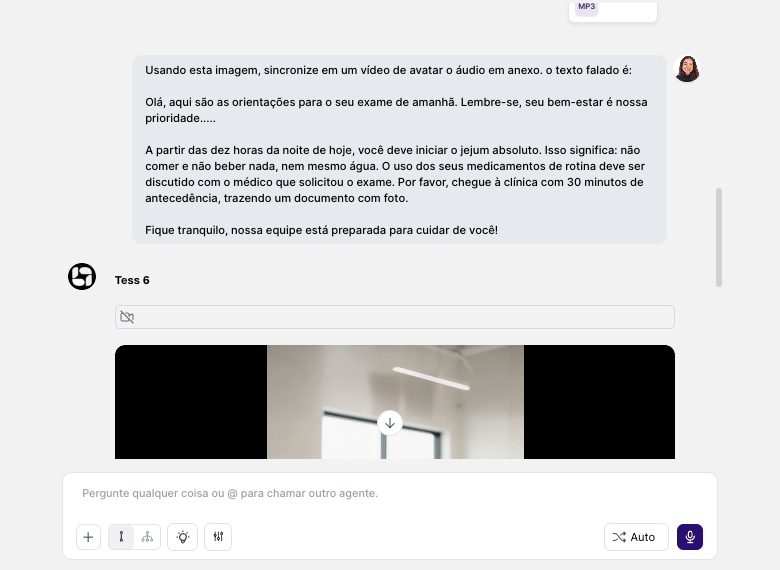
When it makes the most sense: technical team, R&D, or when you need visual control beyond the corporate standard.
Wan
“Wan” has a family of models; in this tool we provide the sync and animation one.
- Image → video (animate an image)
- Sometimes: audio + image → talking head
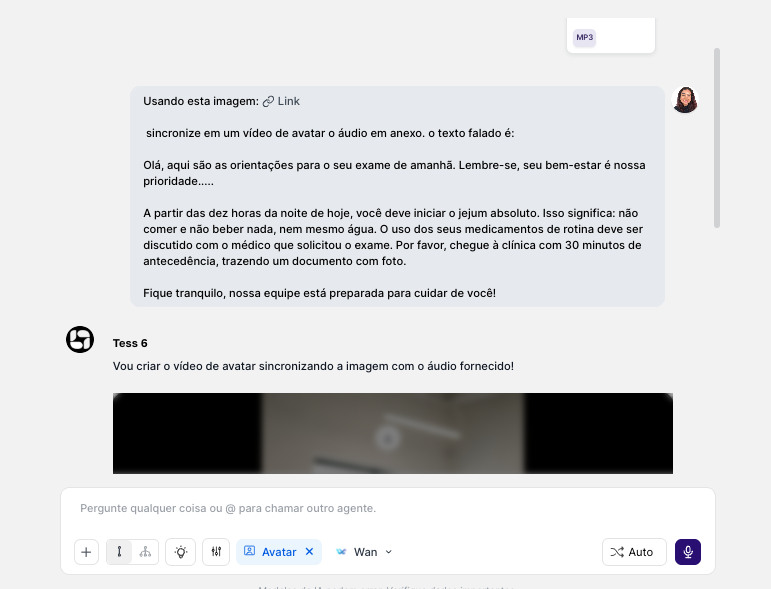
When it makes the most sense: creating full/stylized videos, more “cinematic” ads, scenes with environments; or when the avatar is just part of the video.
- onboarding modules
- product and process trainings
- internal policies and standardized announcements
- short announcement videos
- feature presentations
- welcome messages and “product tours” with consistent identity
- team/project updates
- leadership communications (with standardization and speed)
- short educational videos (Reels/TikTok)
- weekly series with the same visual identity
- Write “to be spoken”, not like an article
- Use short, direct sentences
- Avoid long paragraphs
- Add natural pauses with punctuation
- For acronyms, prefer writing them out in full the first time (e.g., “Customer Success” before “CS”)
- If there are technical terms, include one sentence of context to reduce “robotic reading”