

How to use the feature in the Tess chat
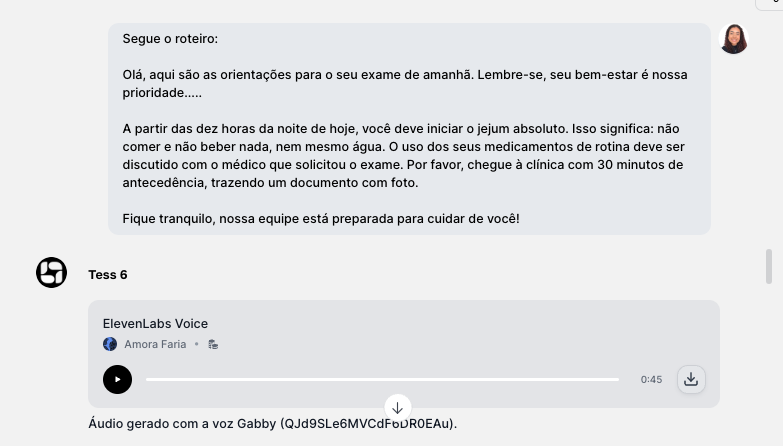
The Audio tool in the Tess Chat allows you to create professional narrations from text using 5 specialized models:- Orpheus Speech — 4 professional voices for corporate contexts
- ElevenLabs Speech — All voices + ultra-realistic custom IDs
- OpenAI Speech — 6 premium voices with exceptional naturalness
- Gemini Speech — 30 voices + the only one with dual narration in 24 languages
- Voice Changer — Voice transformation preserving emotions
\
Practical applications (where narration shines)Videos
When used to enhance YouTube videos, Reels, TikTok, ads with a voice narrating the content.
Text to audio
Creating audio versions of written materials such as articles, scripts, and book chapters.
Narrated lessons
Used for narrations in lessons of various focuses (subjects, languages, etc.), tool presentation modules and onboarding, among others.
Guides and Support Materials
Also well applied to generate audio for presentations (executive or results-based), internal materials, product guides, support scripts, etc.
Tips for professional-quality narration
- Write as if it were “spoken” — use punctuation to your advantage. Commas and periods control pauses and speech rhythm. Dashes can be good for emphasis, and lists with line breaks are often clearer when listened to.
- You can also spell out acronyms in full (e.g.: “Customer Success” instead of “CS”) when necessary, or guide pronunciation in the text (e.g.: “Tess (pronounced ‘Tés’)”).
- Make short versions and test — before narrating a long script, generate 10–20 seconds to validate the chosen voice and clarity.
Voice ChangerThe Voice Changer can be used to transform one voice into another from an existing audio file. It is great for:
- characters and creative content
- timbre standardization in video series
- “persona” adjustments for the brand
Credit consumption
Narration and audio tools generally consume more credits than a text chat, because they involve additional processing. If you want to optimize costs:- test on short excerpts first
- finalize the script before generating the full version
- maintain a consistent voice/model standard to avoid rework