

Where to find the Podcast Generator
Inside Tess AI chat, just click the Tools button and choose the Podcast option: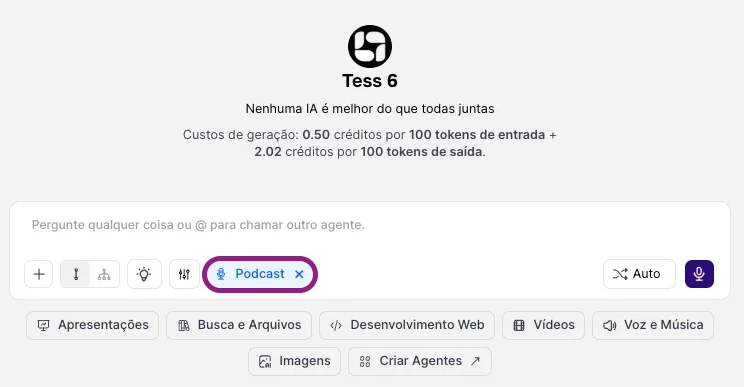
This is a tool powered by advanced audio technology models. It reads your script and:
- interprets who the characters are
- assigns different voices
- generates a single cohesive audio file, simulating a podcast show with multiple participants
- It goes far beyond simple voiceover: it creates the feeling of a conversation, interview, debate, or roundtable.
Key advantages
Long-form episodes
Long-form episodes
You’re not limited to a few seconds. It’s possible to create substantial episodes (like 10 minutes or more) in a single run.
Multiple voices and characters
Multiple voices and characters
In practice, there isn’t a strict limit on characters. You can create a host + co-host, interviewer + interviewee, a panel with multiple experts. All in a single script.
Multi-language
Multi-language
The Podcast Generator supports multiple languages, allowing you to produce episodes for different audiences or even mix segments in different languages (for example, questions in Portuguese and answers in English).
How to use it and create your podcast
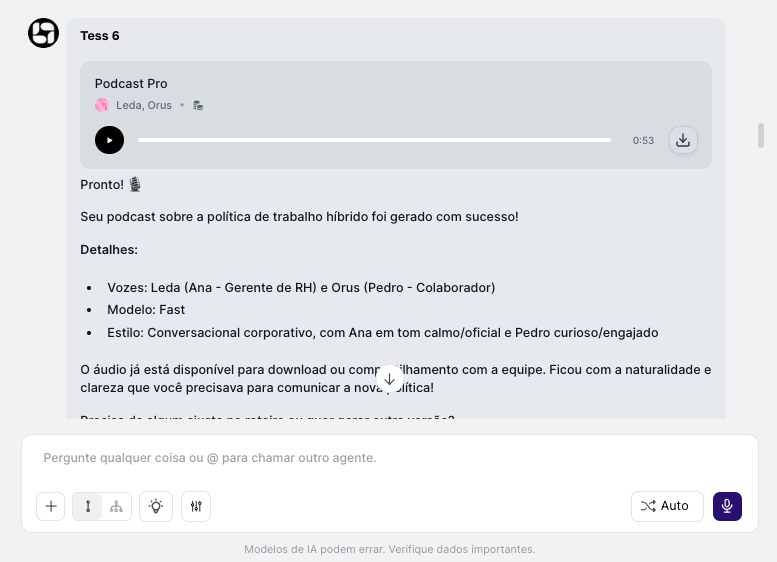
The flow is simple: just enable the tool and start making requests, choose the voice, send the script, and generate the episode. All the complex work of editing, mixing, and assembling voices is handled by the AI. In the end, you receive a ready-to-download audio file that you can publish on podcast platforms, social media, or your website.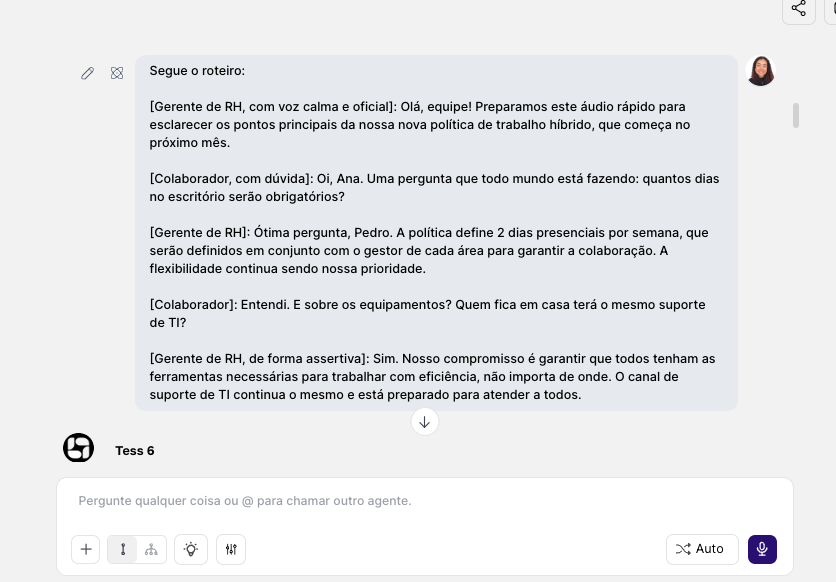
\
When to use the Podcast Generator vs. Voiceover (Speech)Use Podcast when:
- you want to simulate a conversation or multiple participants
- you need long episodes with a show-like dynamic
- you want a “show” experience (segments, debates)
Use Speech (Voiceover) when:
- it’s just one voice reading a text (class, announcement, article)
- you want a simple and direct audio, without a podcast format
- you need short clips with a single voiceover