

How to access Account settings
1
Access account settings
Log in to your Tess account and then click on your profile icon, located in the bottom-left corner of the screen. In the menu that opens, select the “Settings” option.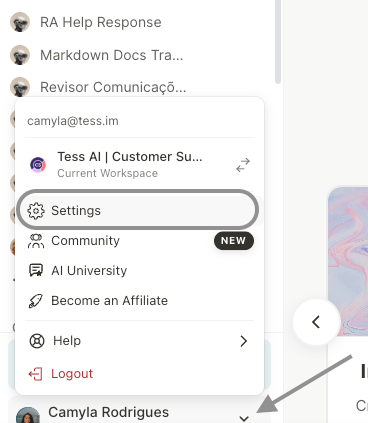
2
Account settings
By default, you will be directed to the “Account” tab. On this screen, you can manage the following information: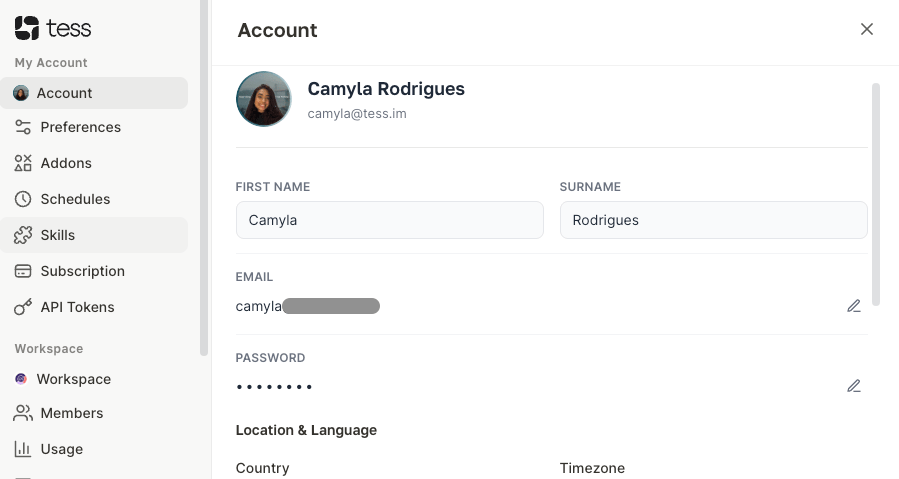
- Personal Data: Change your first name, last name, and profile picture.
- Access Email and Location: Modify the email address associated with your account, as well as your location.
-
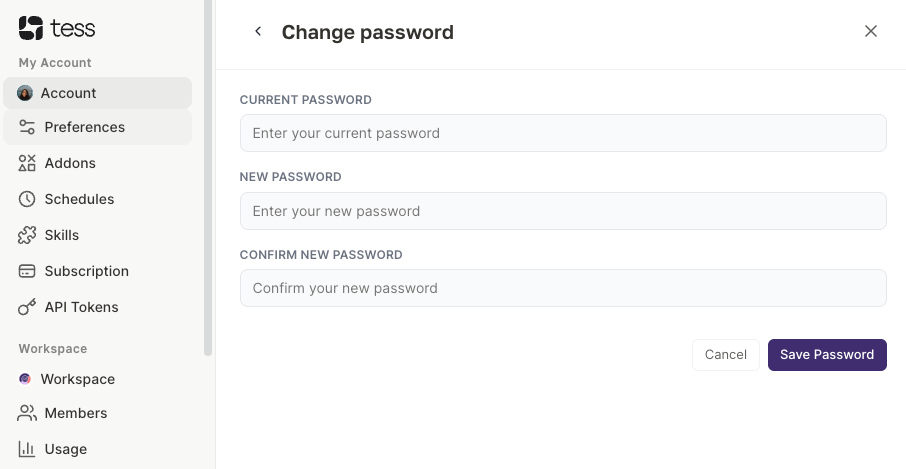
Password Change: Create a new password to access your account.
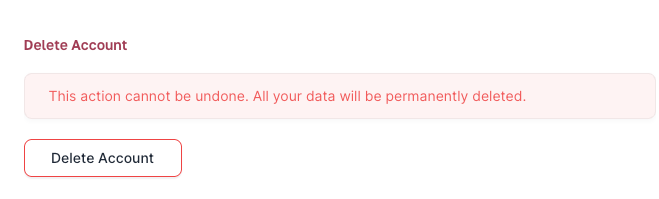
- Delete Account: Start the process to permanently delete your Tess AI account.
Important Warning About Account DeletionThe action of deleting your account is permanent and irreversible. Once confirmed, all your data, agents, history, and settings will be lost. All your work will be discarded. Be absolutely sure before proceeding with this action.